Overview
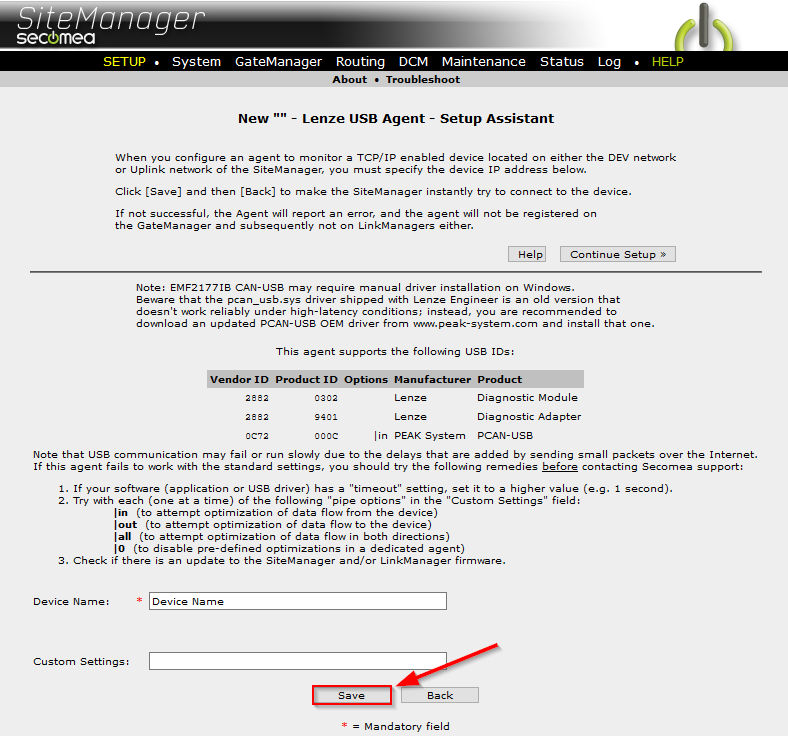
As of 9.4, a new USB ID has been added in the details tab of the Lenze USB agent, a Device Name must now also be defined.
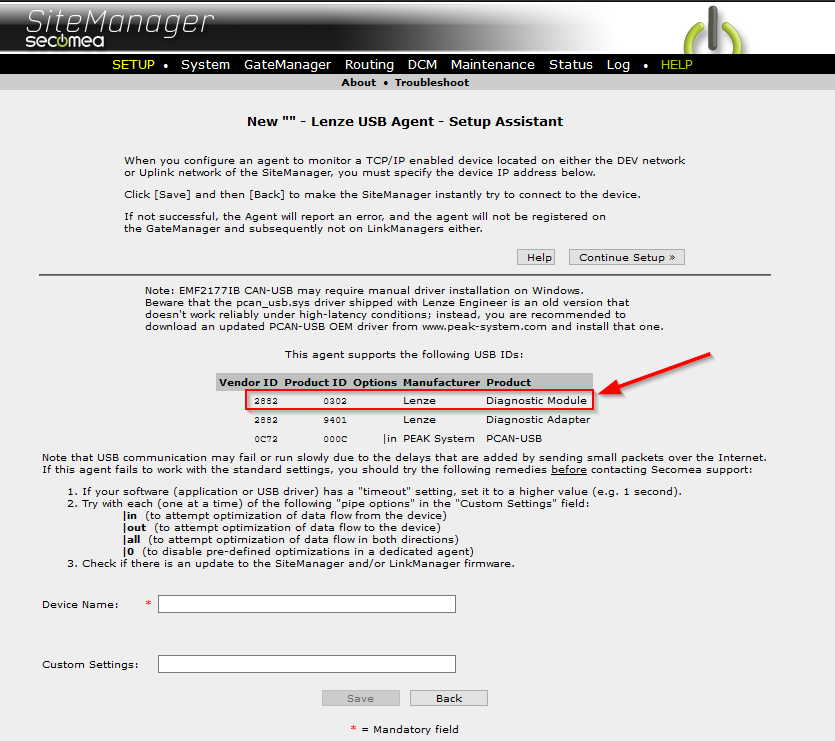
Vendor ID: 2882
Product ID: 0302
Manufacturer: Lenze
Product: Diagnostic Module
Product ID: 0302
Manufacturer: Lenze
Product: Diagnostic Module
Where to enter Device Name
- Click the "Parameter Details" button on your Lenze agent

- The new USB ID is the top entry on the list
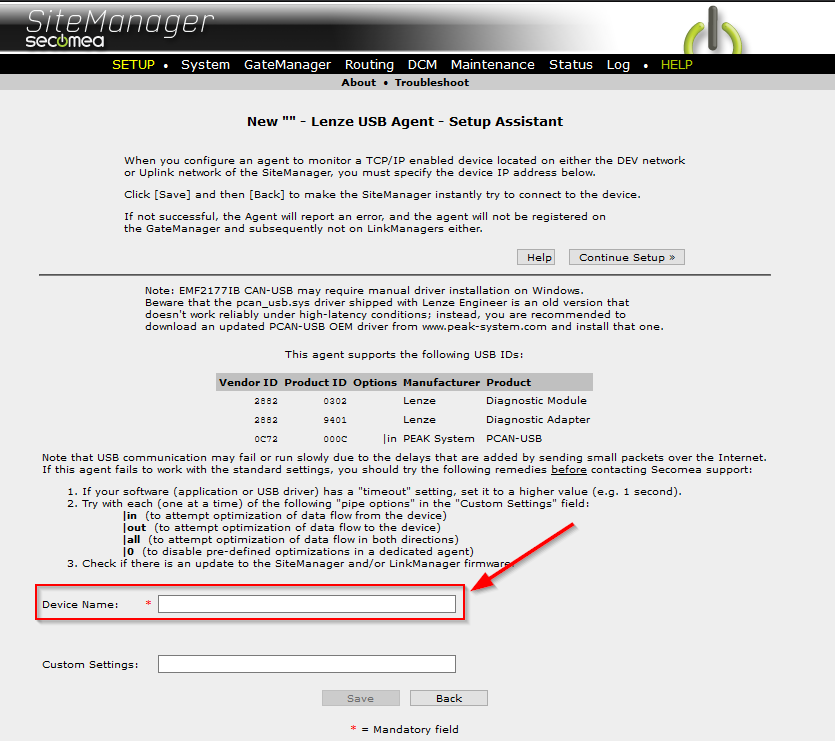
- Enter a "Device Name" in the required field
- Press the "Save" button