As of the 9.3 release the USB configuration key has been moved to a more visible location, in the Domain overview, and with a clearer text: “Create USB configuration”
See pictures below: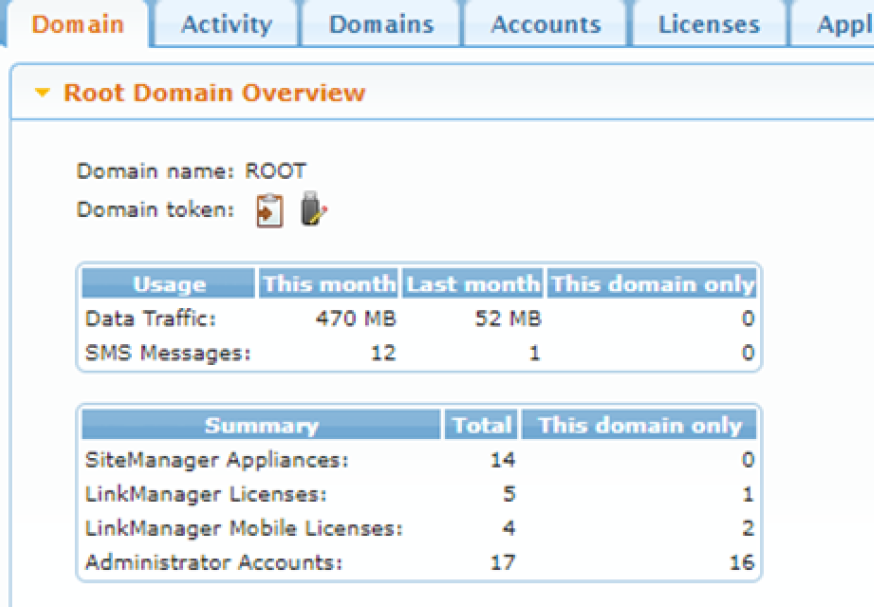
In earlier firmware before the 9.3 release, the USB configuration icon was located next to the copy to clipboard icon: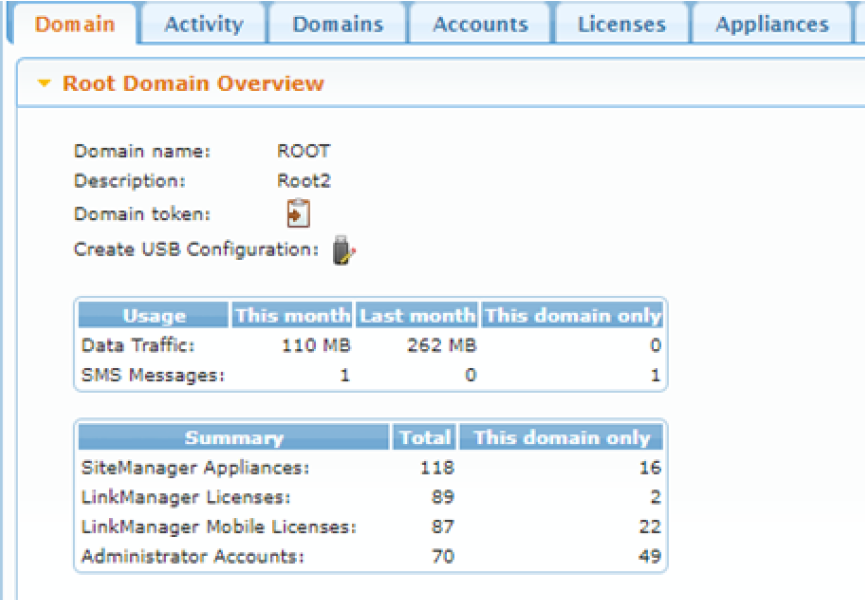
In the 9.3 firmware release, the location of the USB configuration button is more visible with clear text on a separate line.