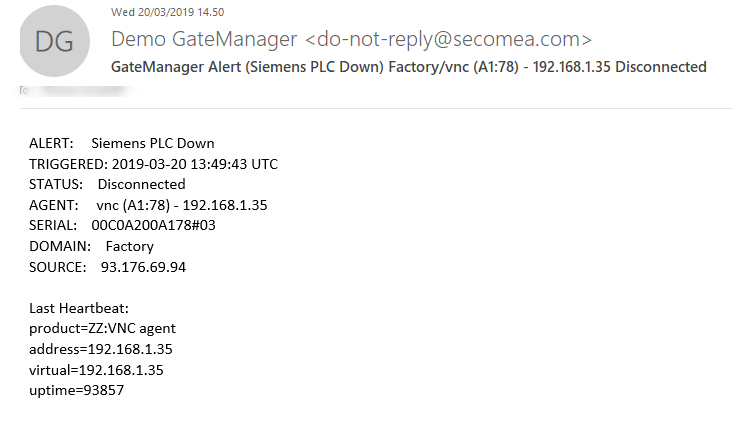
Here we will show that you can get an e-mail or SMS alert (if this feature is enabled on the GateManager) when a PLC goes down.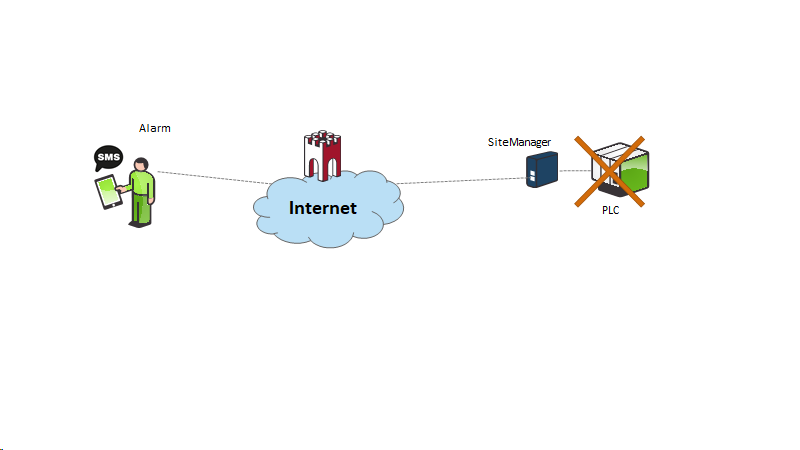
GateManager configuration.
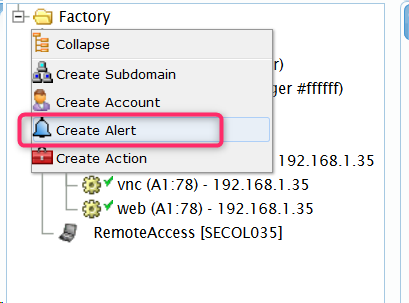
Right-click the domain and choose Create Alert
Give it a name and what it should trigger. Here - on the agent.
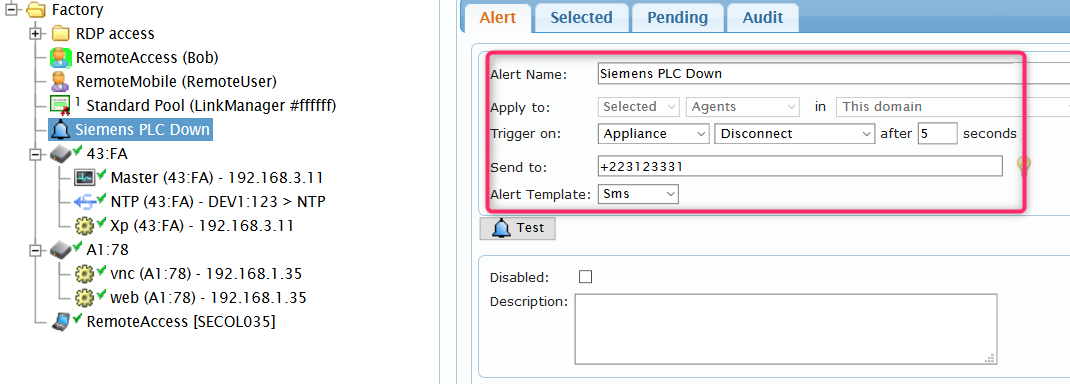
Then choose what appliances/agents under Selected
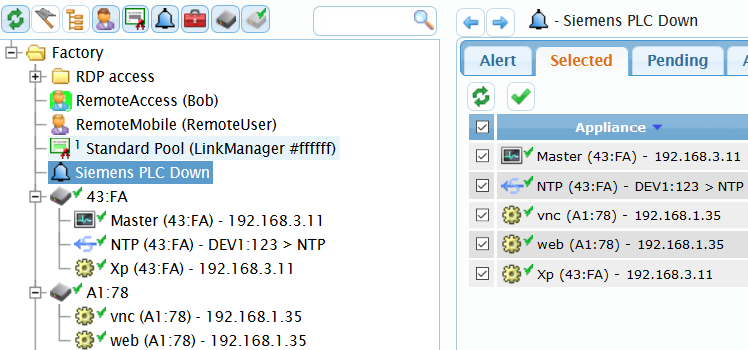
Test to disconnect the devices and you should get an SMS
Example below
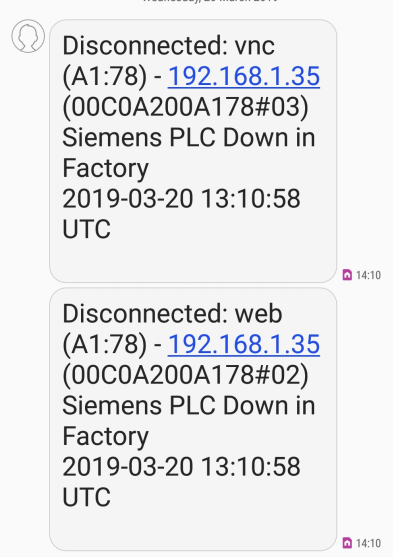
or an e-mail