Overview
As of 9.4, automatic reboot is back It can be found in System -> Time. It can be set to a given hour in UTC.
Guide
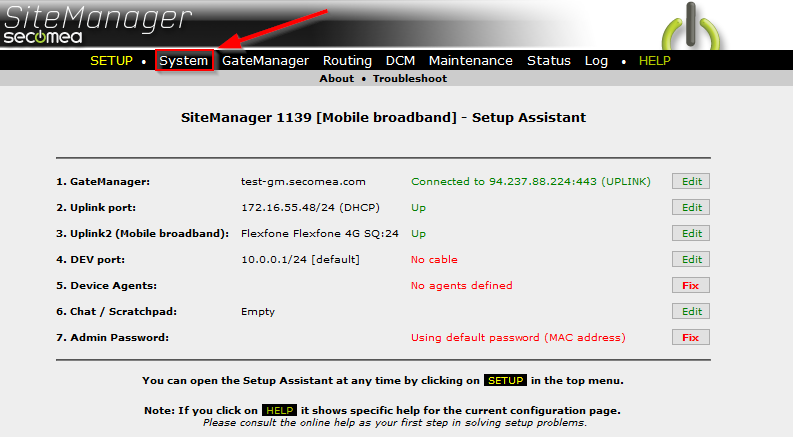
- In the SiteManager GUI, click "System":
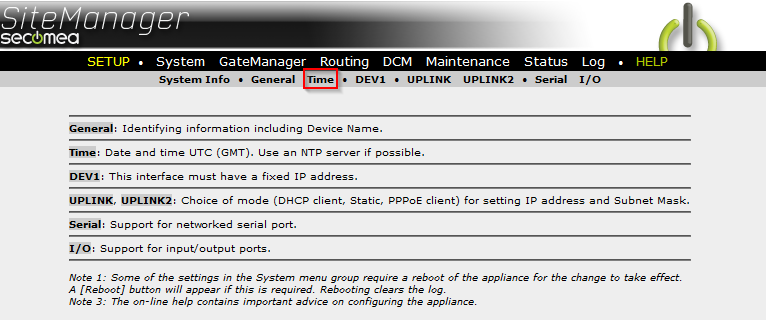
- Click "Time".
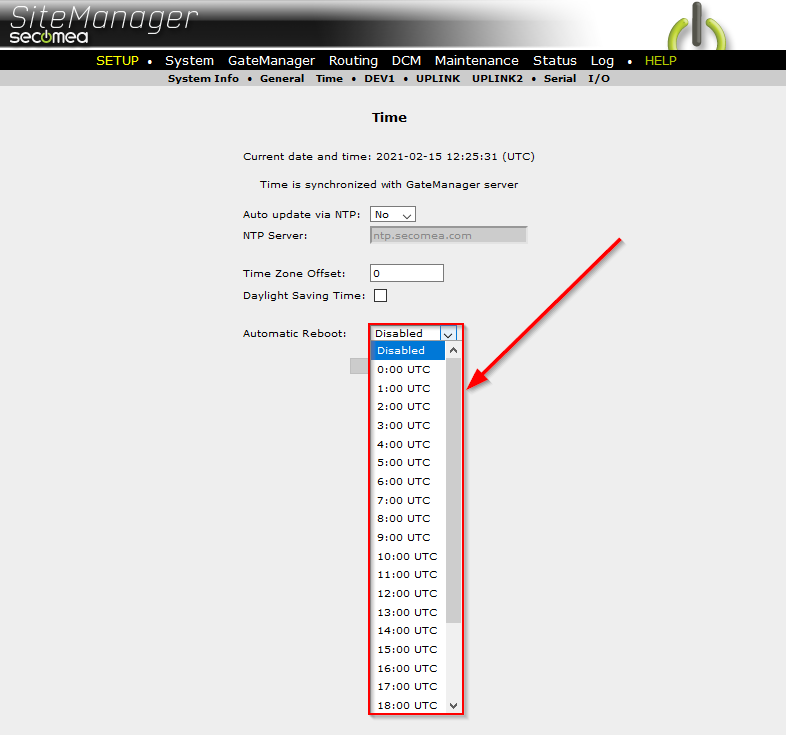
- Pick the desired time from the drop-down menu.
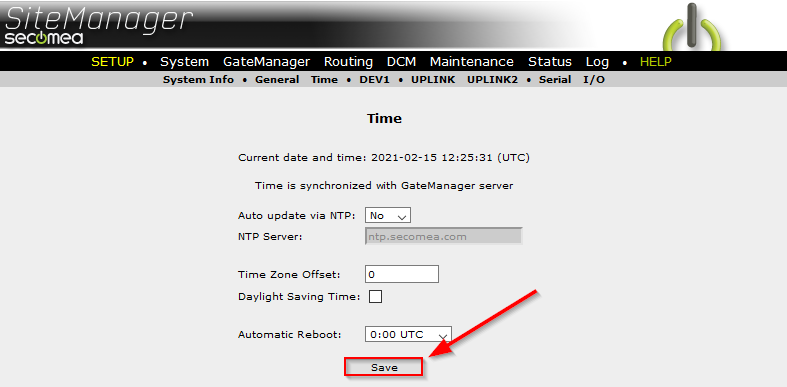
- Click "Save".
As of 9.4, automatic reboot is back It can be found in System -> Time. It can be set to a given hour in UTC.