Prerequisite
Secure File Transfer is available if you have a Professional or Premium Package.
This only works with RDP and not VNC.
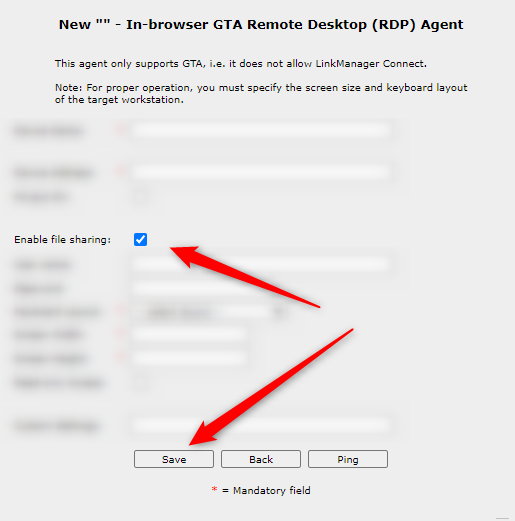
Create the agent "In-browser GTA" "Remote Desktop(RDP)"

Check the "Enable file sharing" box:
In the GateManager highlighting the agent, a new tab will appear:
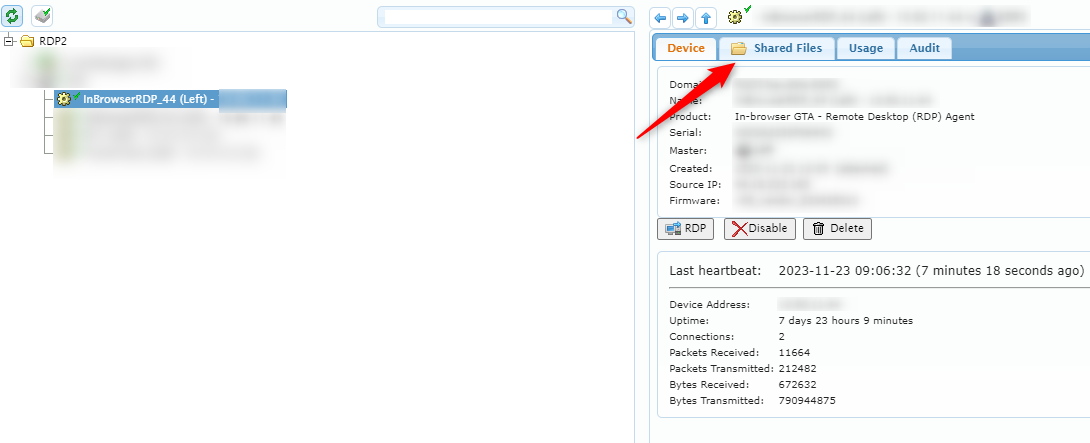
Uploading from GateManager to RDP
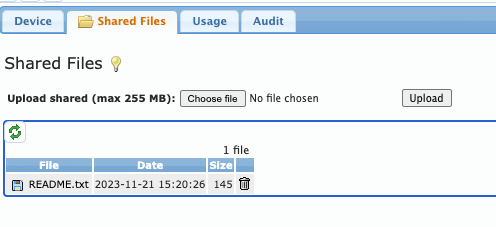
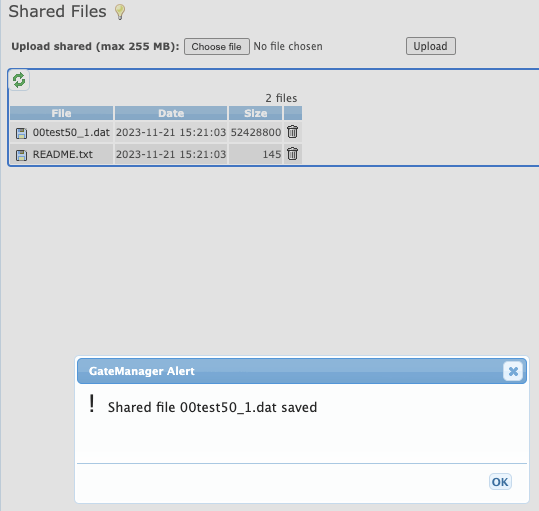
After uploading the file(s), the file name and size should appear:
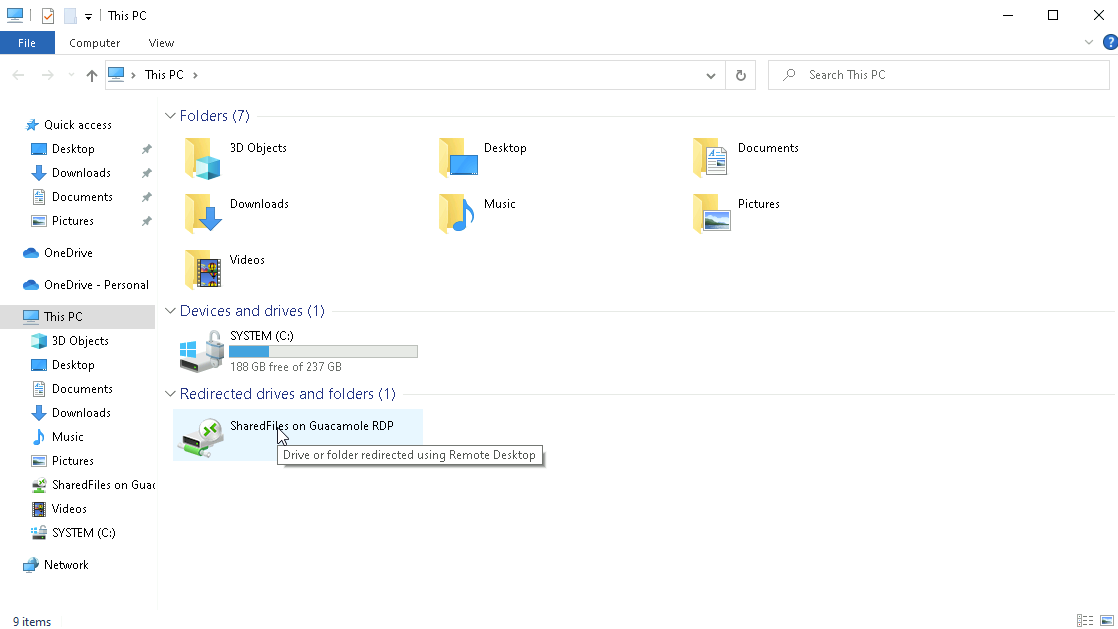
RDP to the agent and you should see a folder appear under "This PC":

Uploading from RDP to GateManager
Uploading from the RDP to the GateManager is also possible by drag and dropping file(s) to the drive:
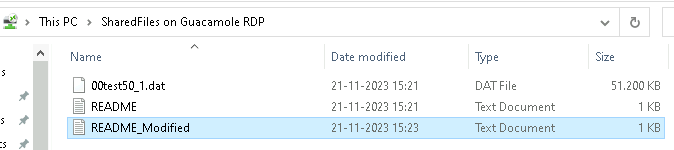
The file should now appear in the GateManager:
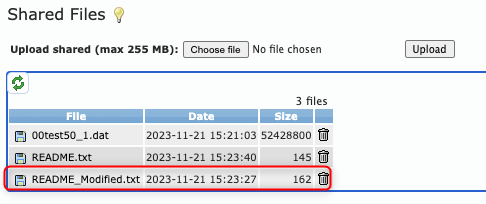
The file(s) can be downloaded by clicking the Floppy disk icon.