Session Recording
Session Recording is only available for Professional and Premium customers.
With session recording, you can as a Professional or Premium customer enable the capture of video recordings of Go-To-Appliance remote sessions in your system, with the purpose of documenting the work performed during the remote desktop session. This can be utilized both for troubleshooting and compliance requirements. Recordings will be stored temporarily in the Secomea Prime platform, where they can be located under the endpoint that was connected to, and easily be downloaded by administrators if there’s a need for them to be stored for a longer period in a different system.
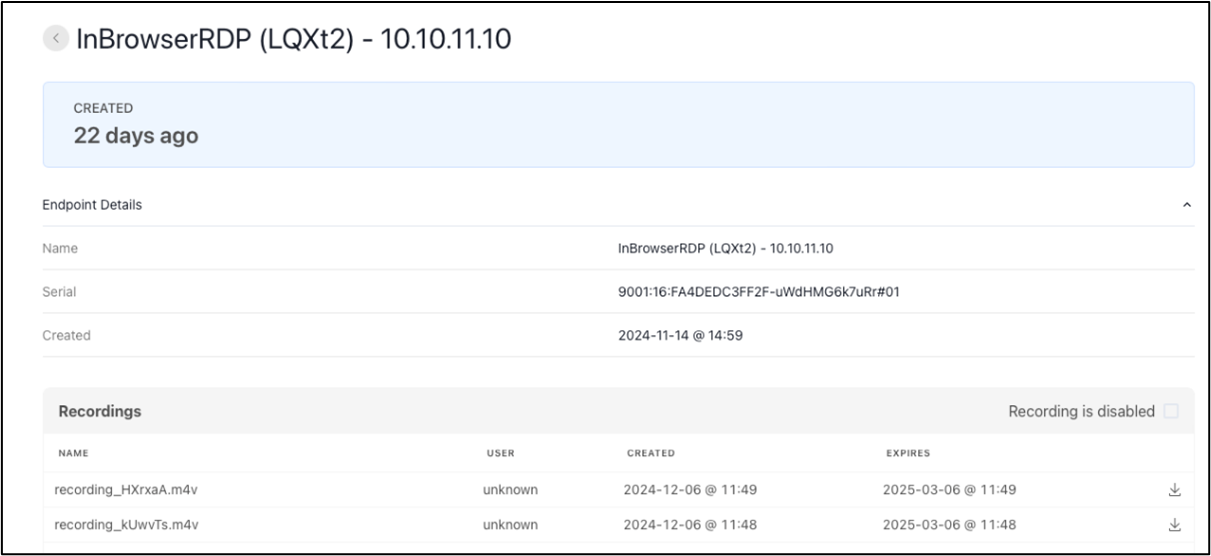
Figure 1. Example from an endpoint page, showing two recordings. For each recording, the following is shown: The user name of the user that made the recording, when the recording was created, and when it expires. Clicking the download icon on the right side will download the recording to the local download folder.
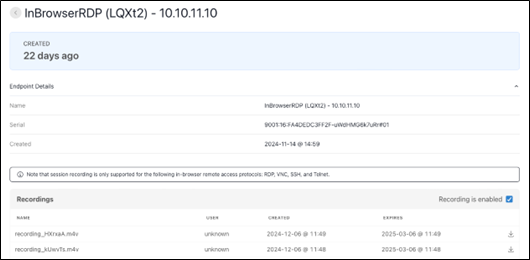
Figure 2. Example from the sameeEndpoint page as in Figure 1. but where Recording is enabled. Note the pop-up info box on which remote access protocols are supported for the feature.
User consent to being recorded
When a user attempts to start a remote connection on an agent/endpoint where session recording is enabled, a pop-up will inform about this, and the user will need to actively click proceed in order to establish the remote connection.
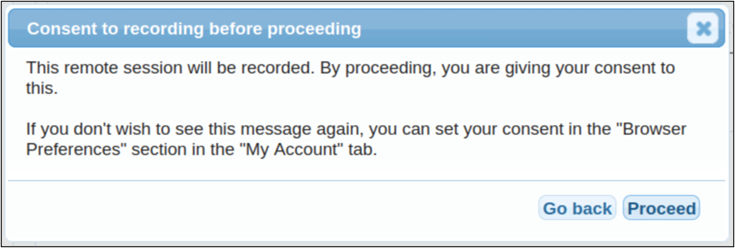
Figure 3. Pop-up message in GateManager GUI when attempting to establish a remote connection to an endpoint with session recording enabled. Clicking Proceed will establish the connection in a new browser tab.
A few important details
• Only the in-browser protocols of RDP, VNC, SSH, and Telnet are currently supported.
• We will retain a recording in our system for 90 days, after which it will be deleted.
• Only Administrators can enable and disable the feature, and to see the overview of recordings and download them.