Inviting a Collaborator User
By sharing Appliances you can give people outside of your organisation a view only access to your appliances and all the associated end points.
Providing the invited users insights into the firmware version and hardware version of the shared appliances. Giving the invited user assurance that all the appliances on their network are up to date and compliant.
To share an appliance you need to have Domain Admin rights or higher.
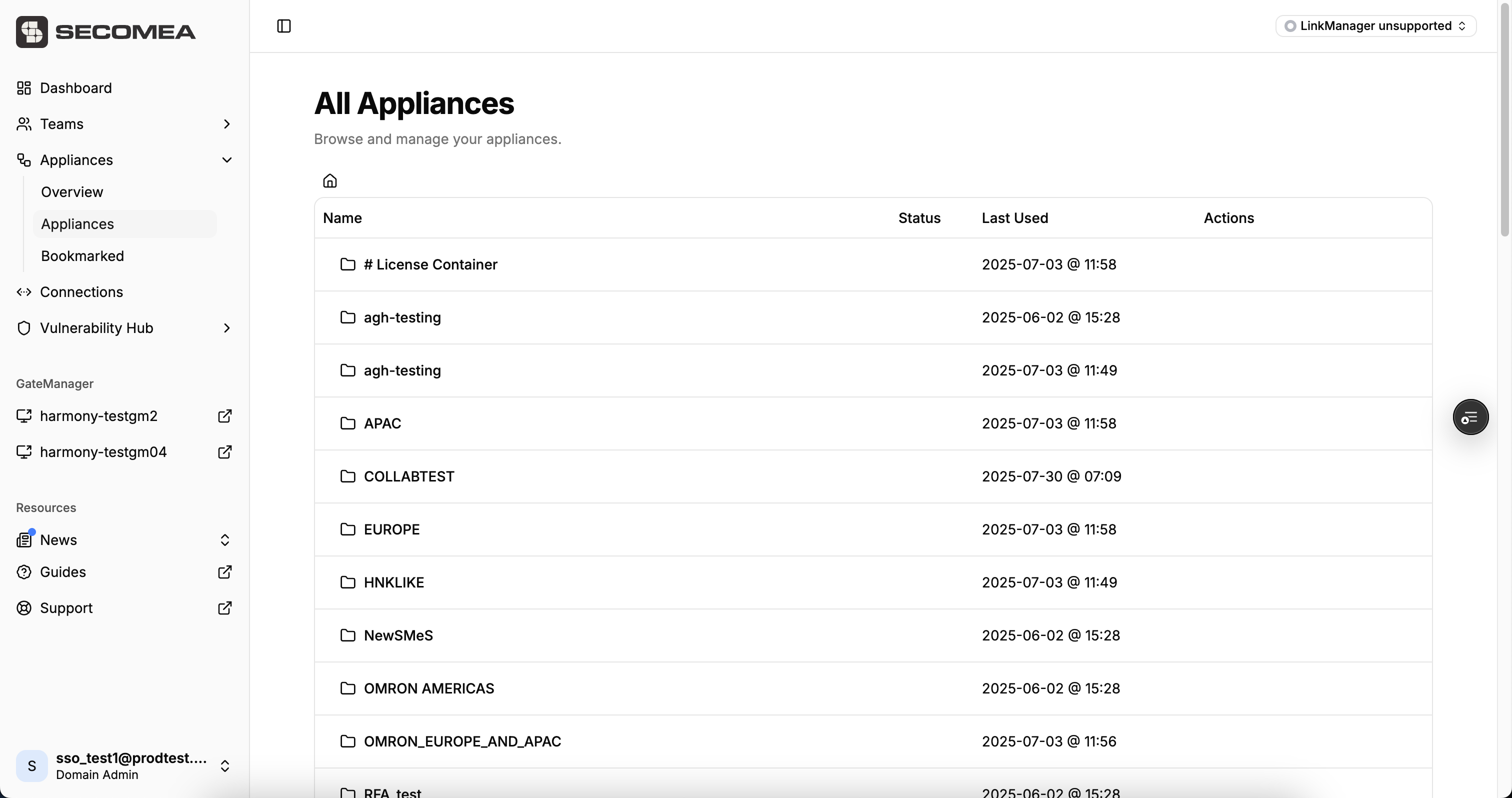
To share an appliance with a Collaborator navigate to the Appliance you want to share.
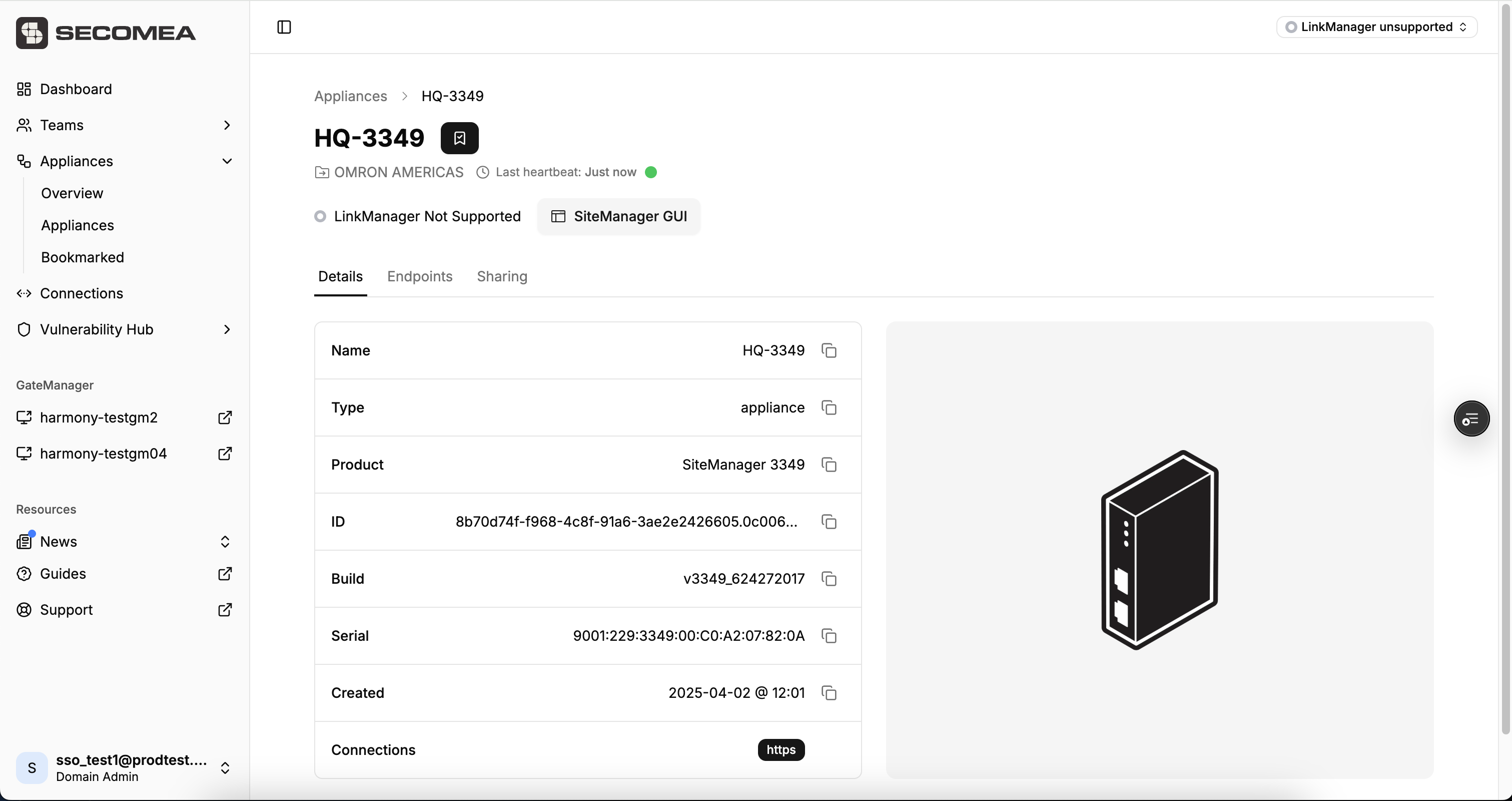
In the Appliance view you need to navigate to the Sharing tab.
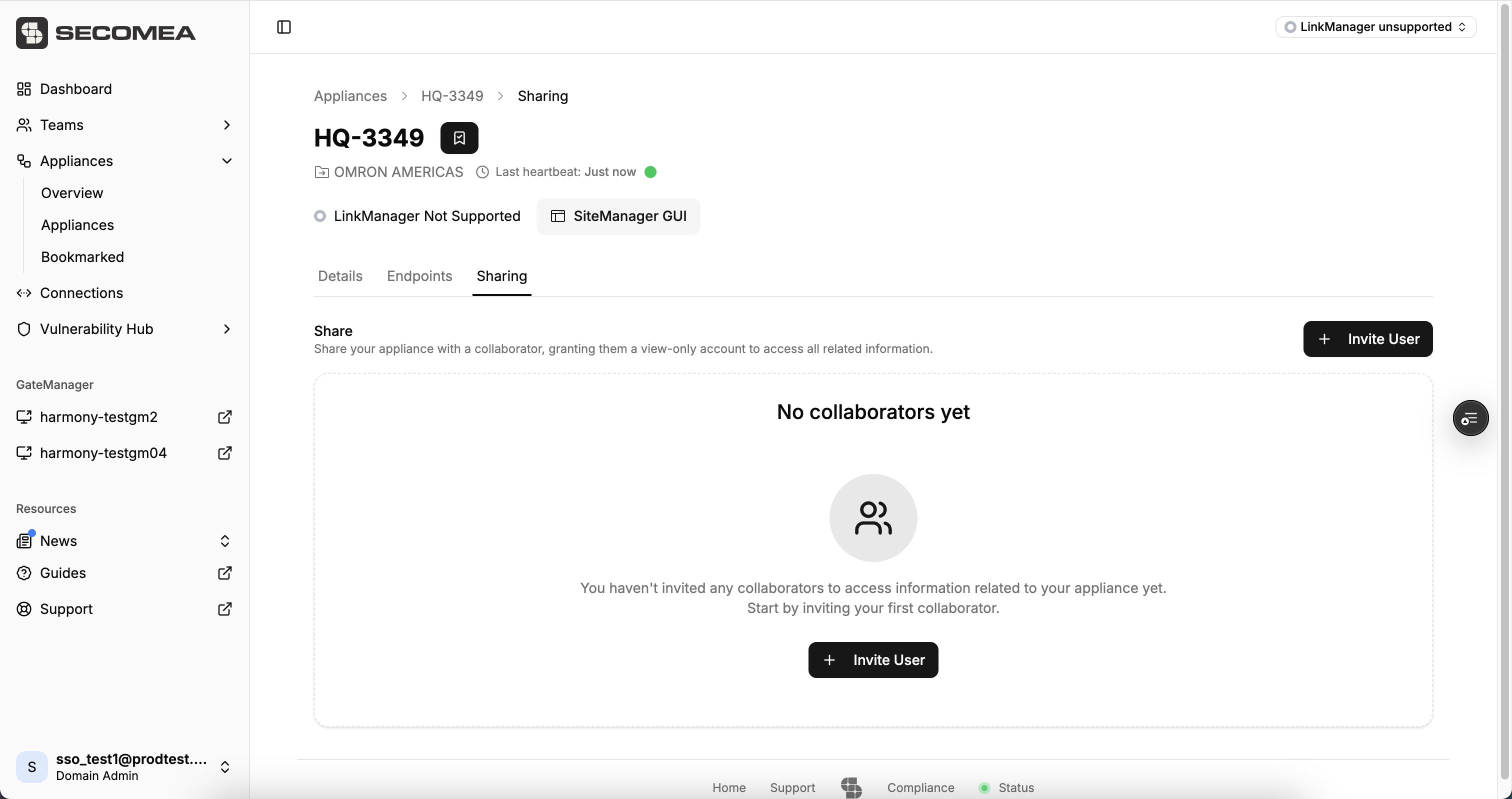
Press the invite users you can only invite one Collaborator per Appliance, but you can invite a Collaborator to endless amount of end points.
Fill out the information for the person you are inviting and send the invitation.
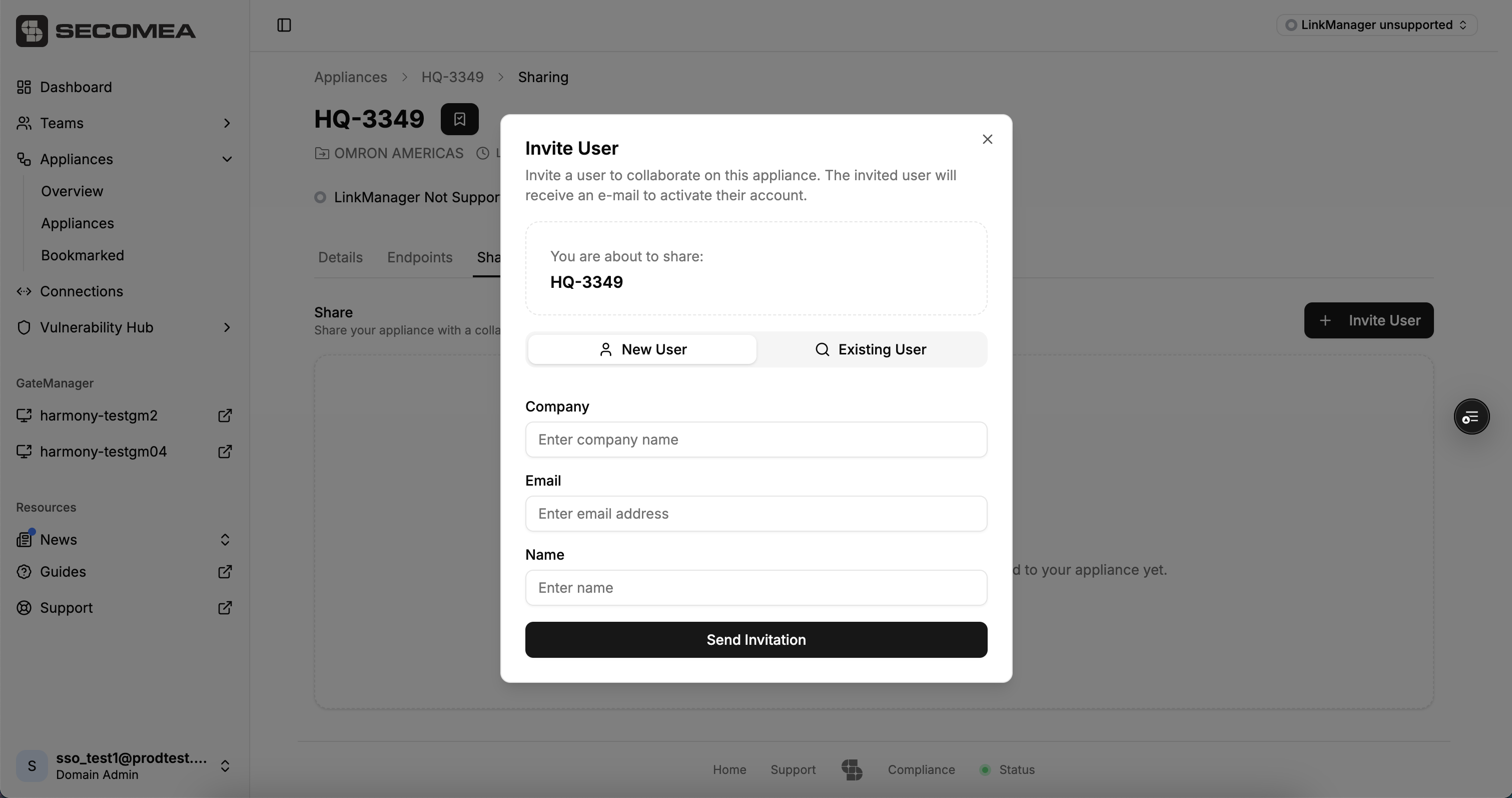
If you have already invited the person to another Appliance you can also find them under existing users.
When you invite a Collaborator they will receive an email with their user name and a one time password along. Along with a link where you can login with the credentials in the email and setup your password. All Collaborator users will be required to use MFA with email.
Joining as a Collaborator users
You have been invited by a associated organisation to view their Appliances. In the email you can will find your username and one time password.
You will need to sign in at app.secomea.com
Select GateManager UserName as the login method and enter the username and one time password from the email.
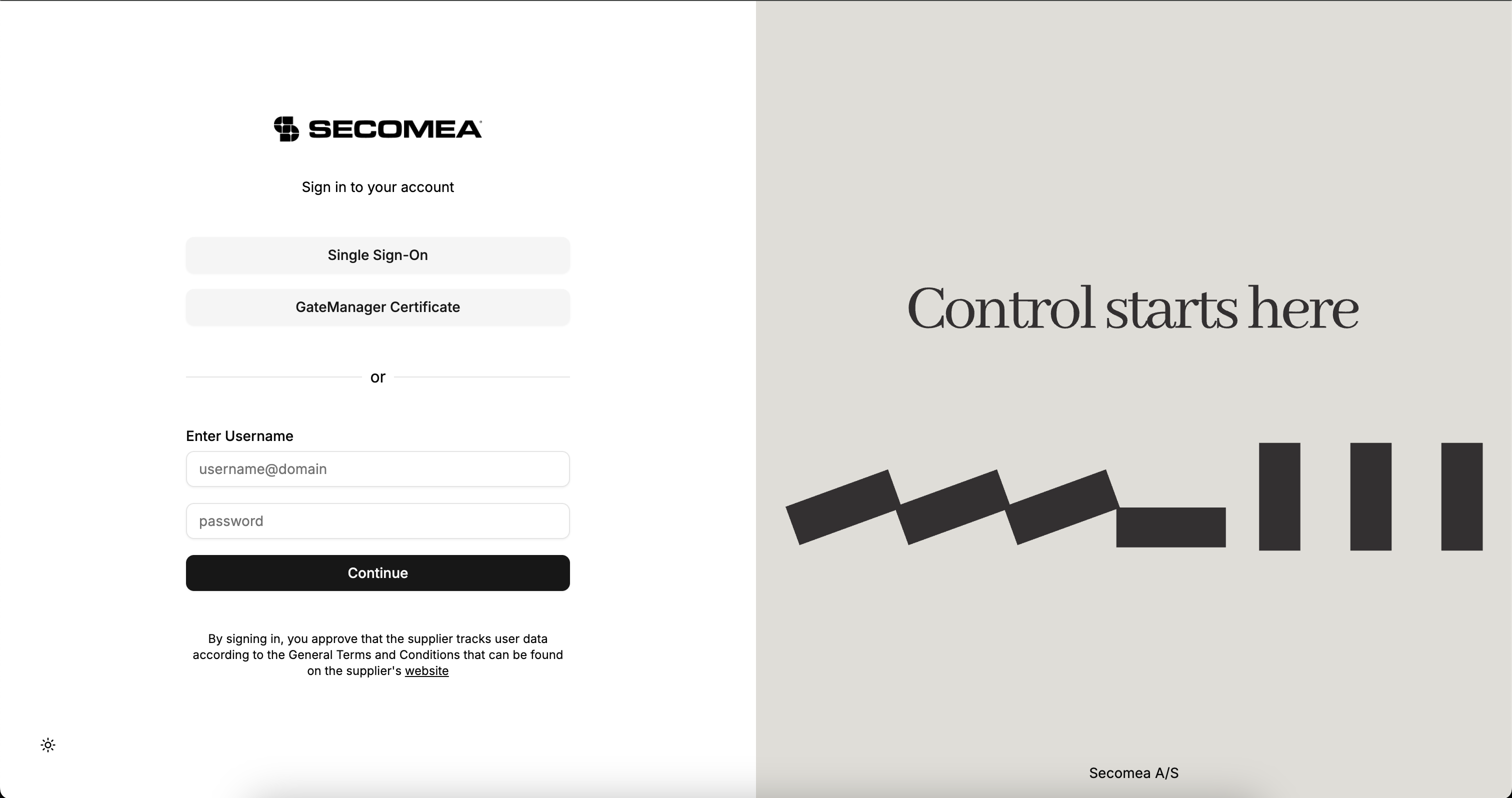
You are now asked to fill out the MFA code, that you will receive in your email inbox and set a new password.
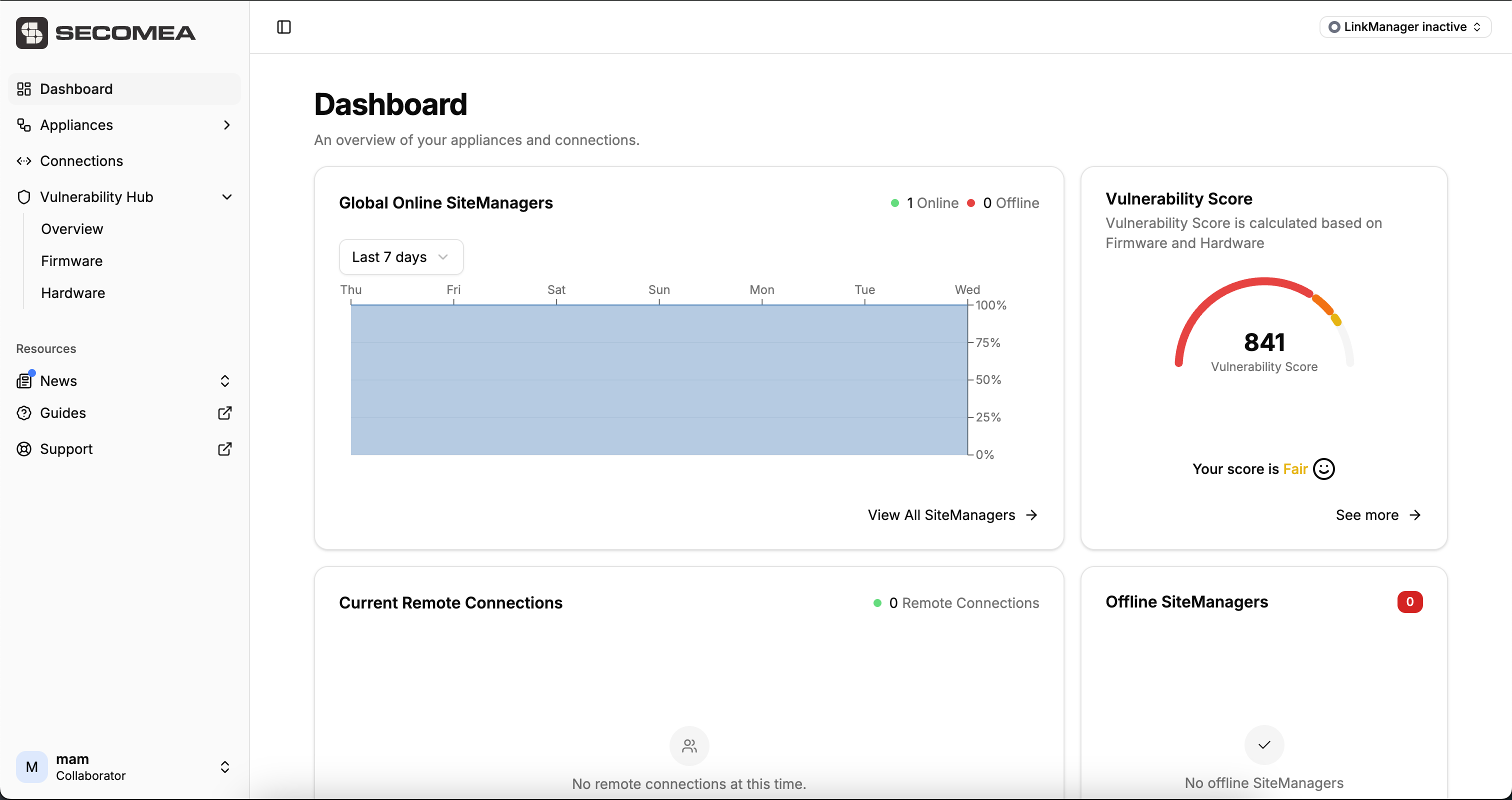
Now you can sign in with your new password and see the following functionalities:
- See all the Appliances and End Points shared with you
- See if there is any Current Remote Connections to the Appliances shared with you
- See if any of your Appliances are offline
- Access to Vulnerability Hub