We've updated our file storage system, so some links may no longer work. If you need a file, just email us at support@secomea.com—we’re happy to help!
Quickly Joining a user to all sub-domains
- Updated on May 19, 2021
- Published on Mar 31, 2021
This guide will explain how to join a user to several sub-domains quickly without using drag and drop.
- Click on the user you want to join to the sub-domains
- Click the the tab "Joined Domains" on the right side
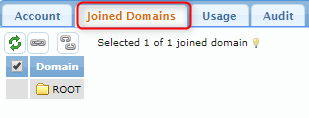
- Click on the "chain" icon to see all sub-domains.
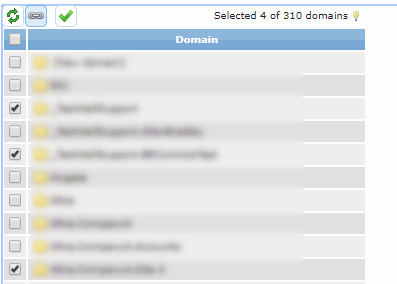
- Click the button next to the sub-domain you wish for the user to join.
- Click the green "Checkmark" button to save the changes.
- The user is now a member of all checkmarked sub-domains.
Was this article helpful?