This article will provide information on NTP server access via SiteManager
This guide describes how to set up a Server Relay to be used as NTP (Time)
server connection for a device connected to a SiteManager.
Access to NTP server
Scenario: User or device behind a SiteManager need to sync time with an NTP server
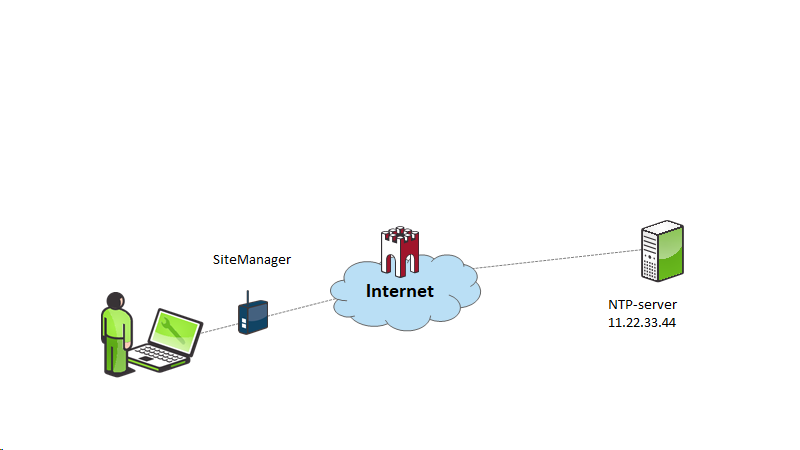
SiteManager Configuration
Under GateManager – Server Relays
Choose-Type UDP, a name, Server Target Address NTP, Server Virtual Address DEV:123, and Idle 5
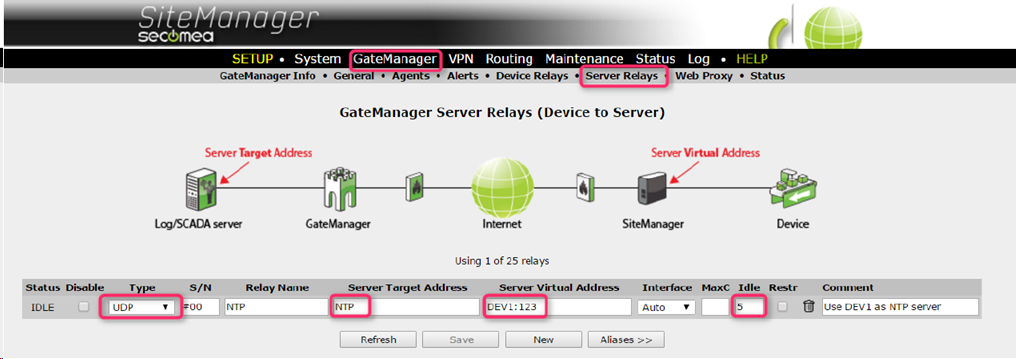
GateManager configuration
Attach the Relay in the GateManager

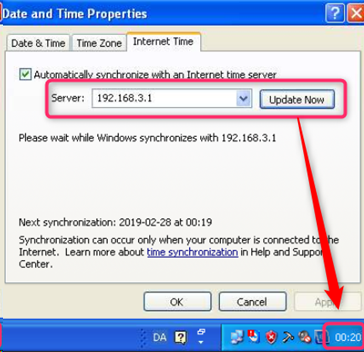
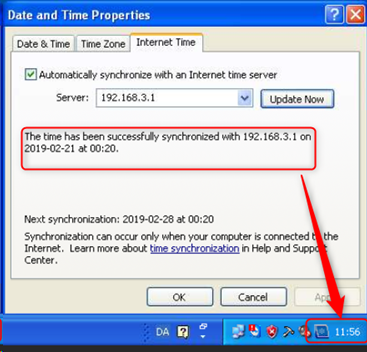
Use the DEV1 (here 192.168.3.1) port IP address as the NTP server.
Example here from a PC