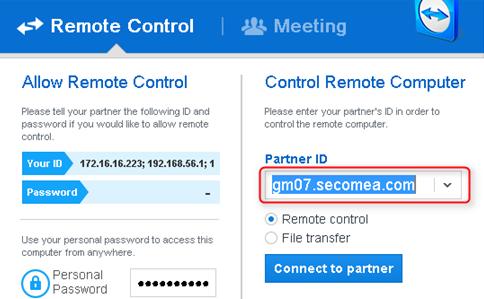
This article will provide information on how you can enable TeamViewer access to a computer through LinkManager. This might be useful if you don't want to use a standard RDP client that Windows provides, or you need to access another device other than a Windows computer.
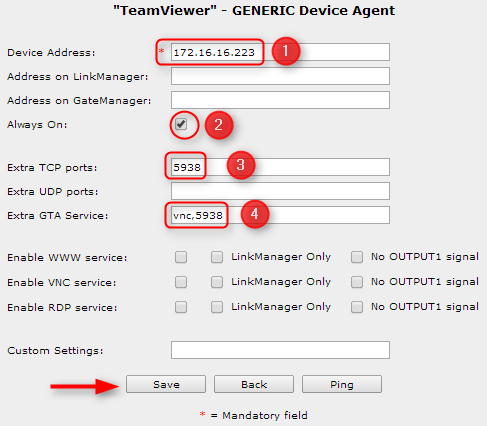
1. If you need to connect to your device using TeamViewer and LinkManager Mobile, you simply need to create a Desktop PC agent and make some small adjustments.

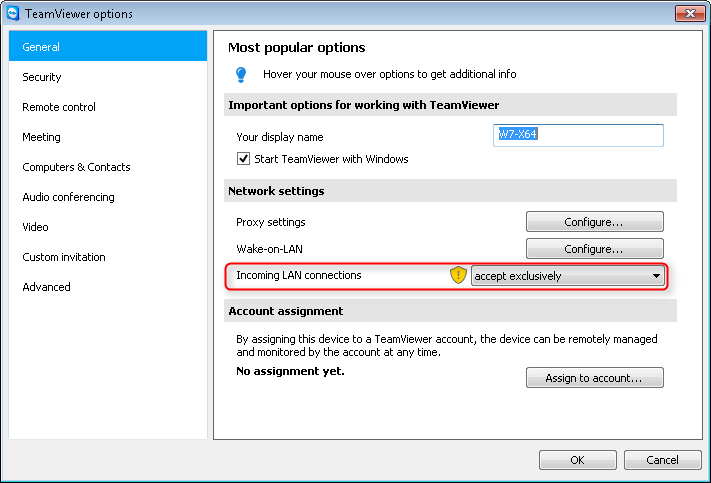
2. Adjust Network Settings in TeamViewer.
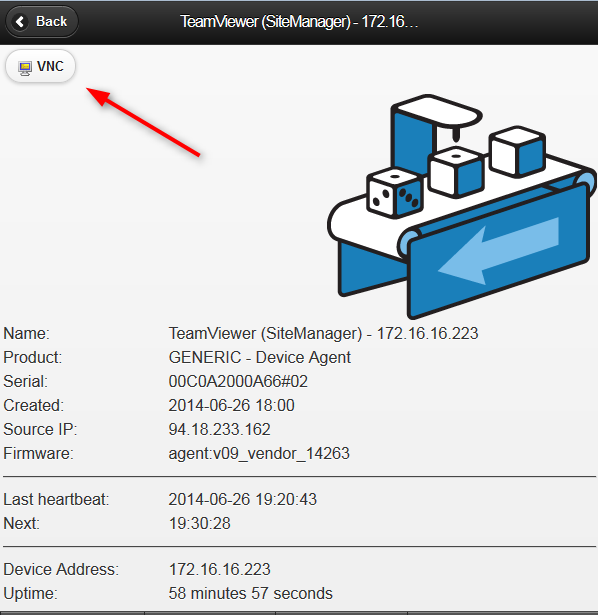
3. Login and connect to the VNC service.
4. Use GateManager address as partner ID.