This article will provide you with information on how to log in with a LinkManager Mobile with an external VNC viewer.
- Install a VNC server on the device you want to control. (This example is made in Real VNC)but ULTRA VNC and Tight VNC will work as well.
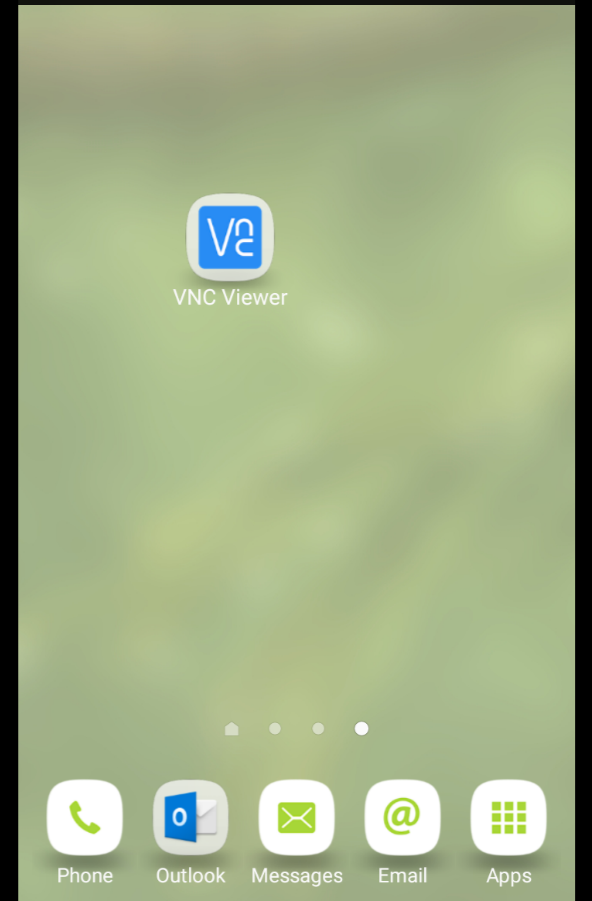
INFO: This will also work with ULTRA VNC and Tight VNC - Install a VNC viewer on the device you want to control from and use the GateManager address for the connection. Here we use an Android Mobile Phone.
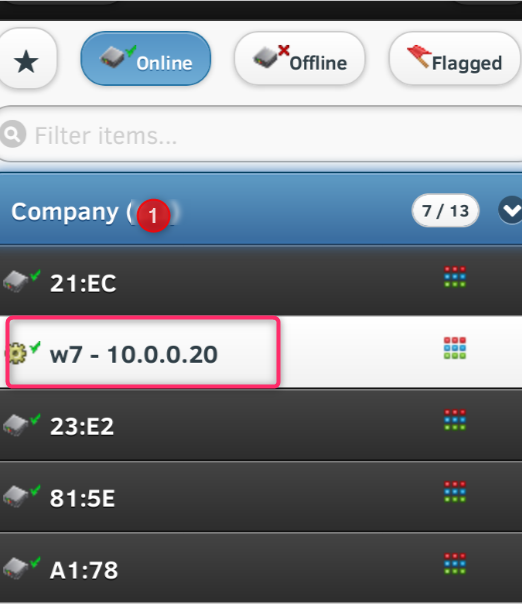
- Make sure that you have a VNC enabled agent.

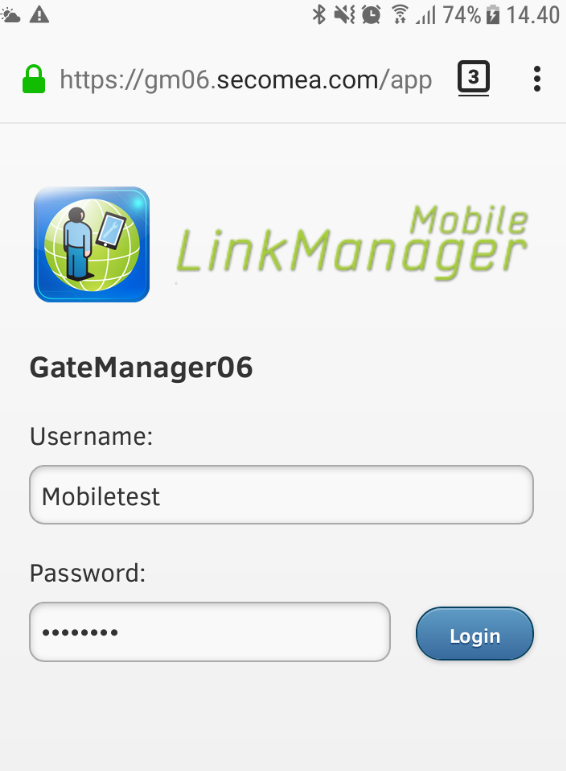
- Connect to the agent with LinkManager Mobile
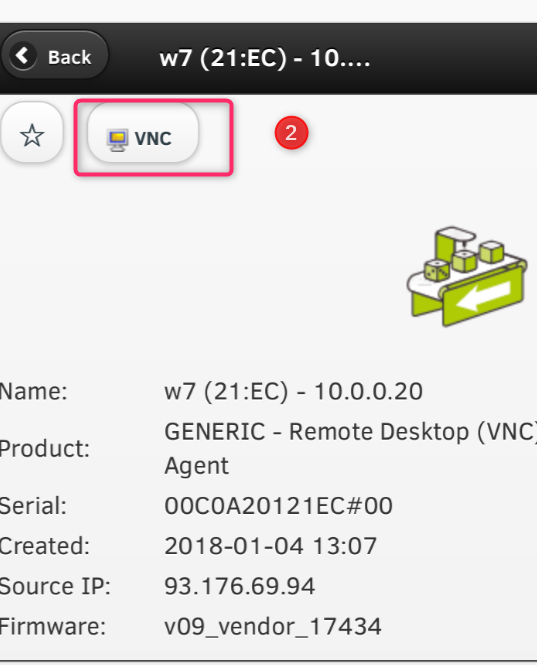
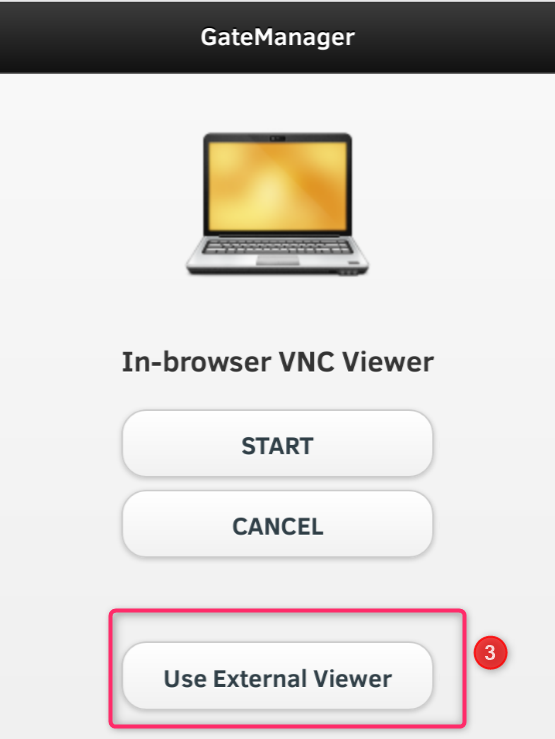
- Press on the "VNC" and choose "Use external Viewer" now copy the server address as in this example: demo-gm.secomea.com
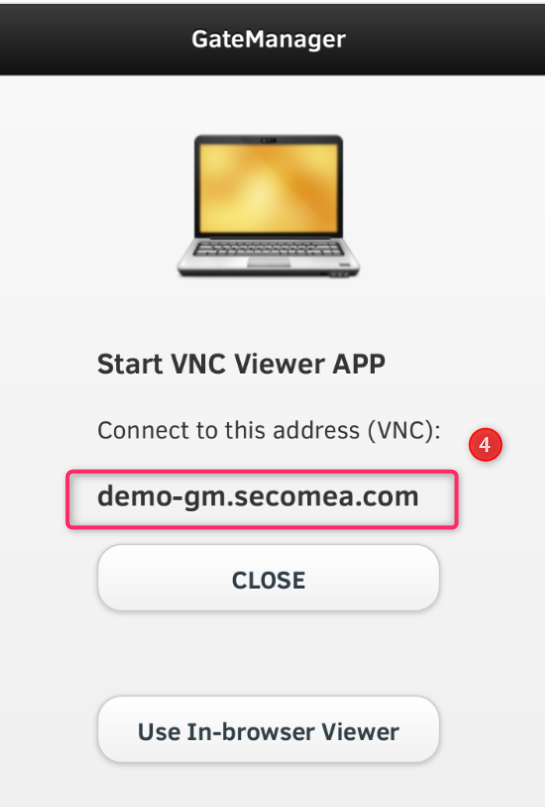
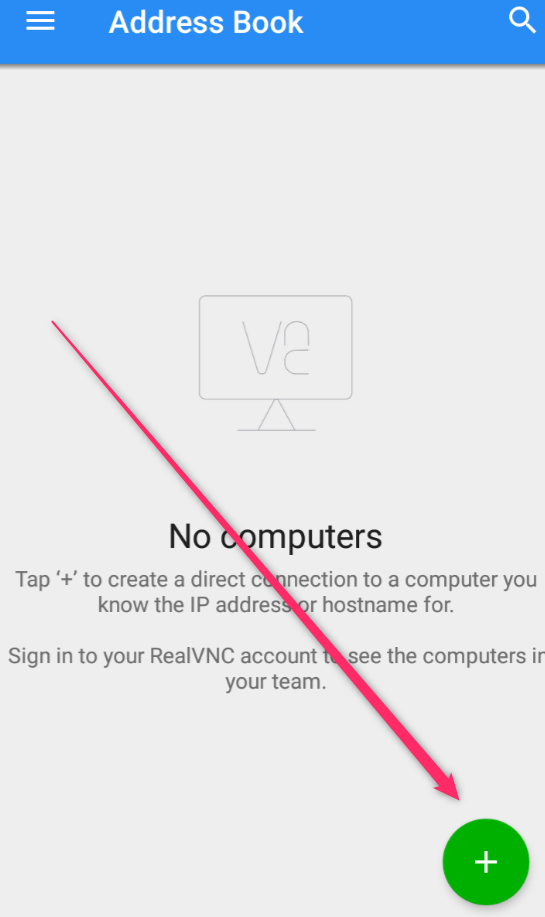
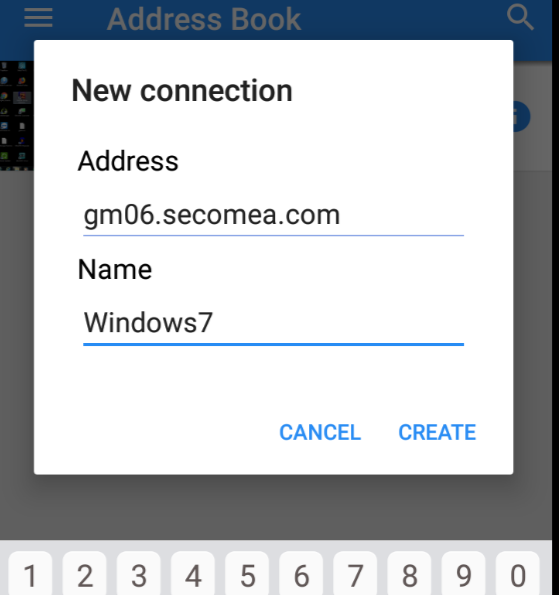
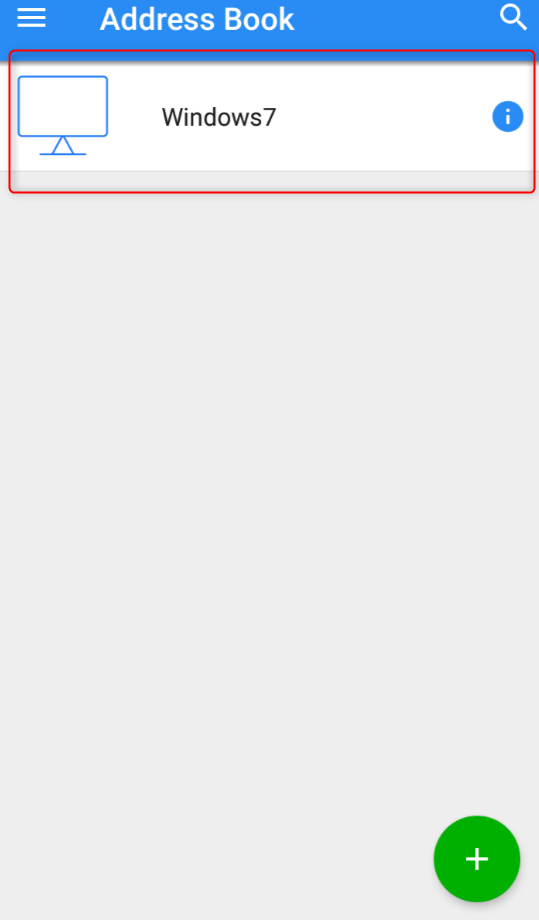
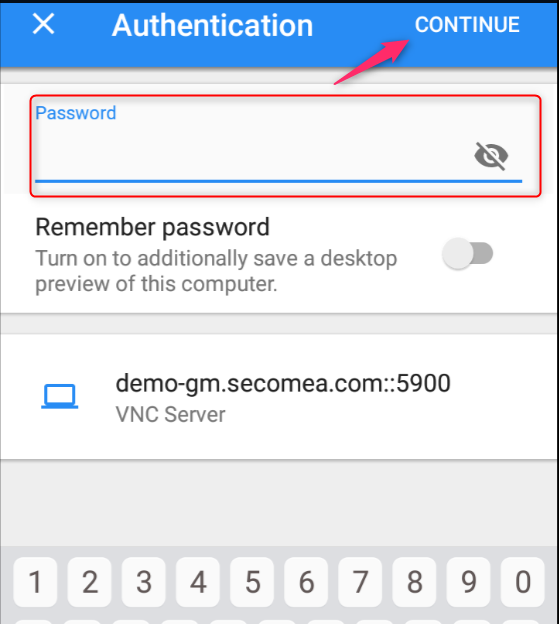
- Go to your VNC app(Real VNC used here) and log in from there with the GateManager address, like demo-gm.secomea.com, and password for the VNC server on the remote device.
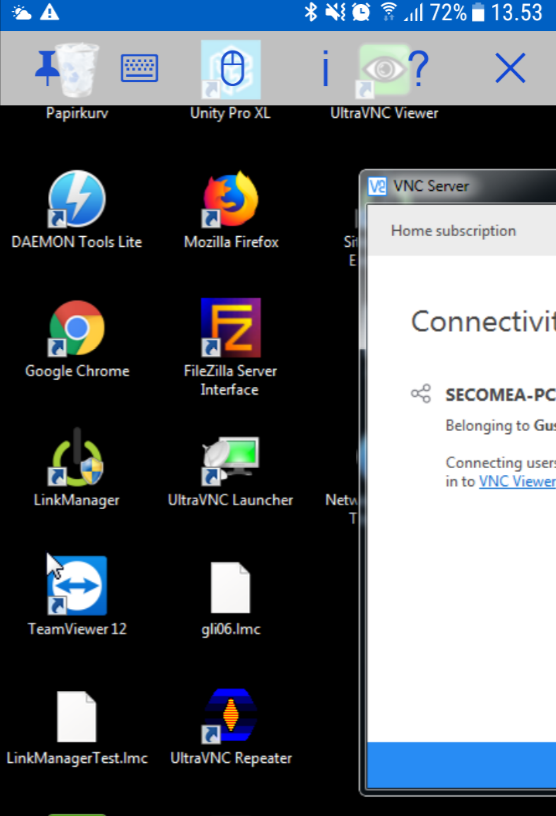
- And now you are logged in on the remote desktop.