This article will provide information on how to gather troubleshooting information for creating a support case with your point of purchase.
Step 1 is to access the SiteManager GUI. This can be done from the GateManager portal, or by logging on to the Web interface of the SiteManager locally (https://IP_of_DEV1_or_UPLINK )
There are 3 things that are important for the troubleshooter.
- Status >Troubleshoot
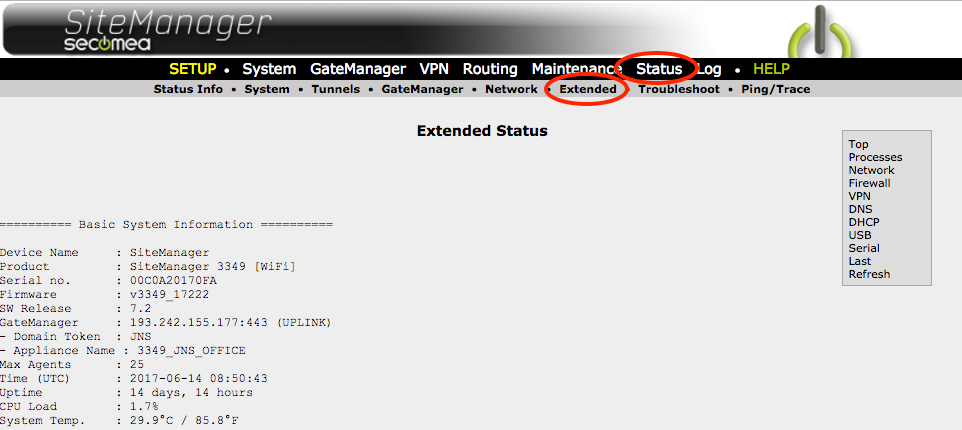
- Status > Extended
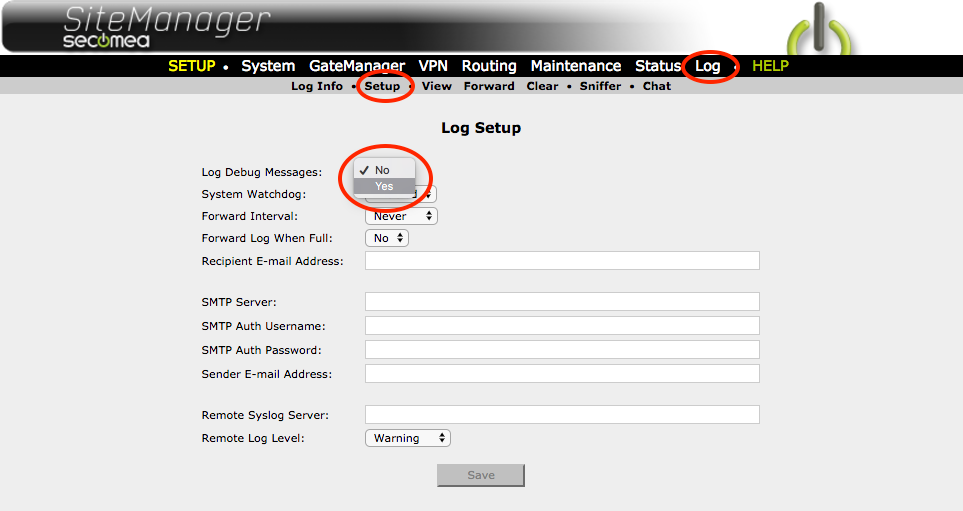
- Log
We recommend that you use notepad, WordPad, pastebin.com, or a similar simple text editor to save the file. (Not Microsoft word.).
Status > Troubleshoot
Select all, copy and paste to troubleshoot.txt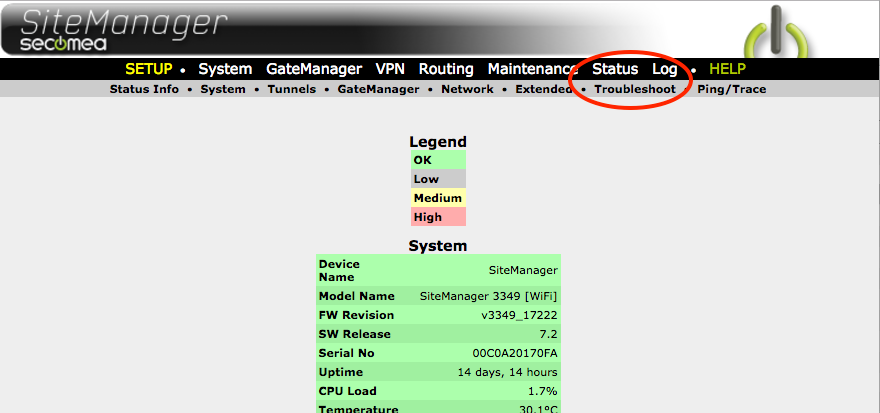
Status > Extended
Select all, copy and paste to status_extended.txt
Log
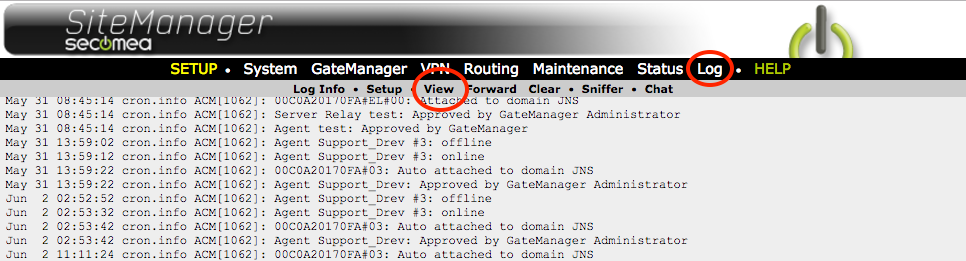
First, enable Debug log. Then select Log > view.
Select all, copy and paste to Debug_log.txt
Email all the 3 files to your Point of purchase when requesting support. This will help the supporter having the required information, saving time.