This article provides information on how to access a USB stick on SiteManager. Max size supported is 2 GB.
Insert the USB stick into SiteManager and it should pop up as an unhandled device.
Create a USB agent from the unhandled USB device via the “Add” button. (Custom Advanced - USB):


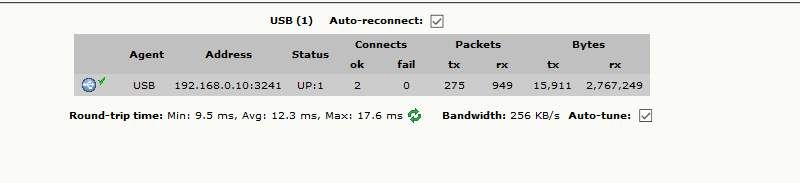
Then connect to it with LinkManager:
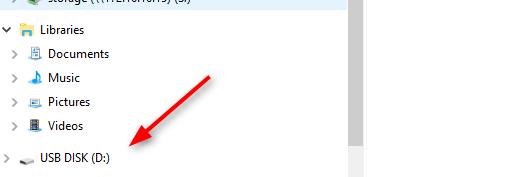
After that, it pops up in the File Explorer as it was connected to your PC: