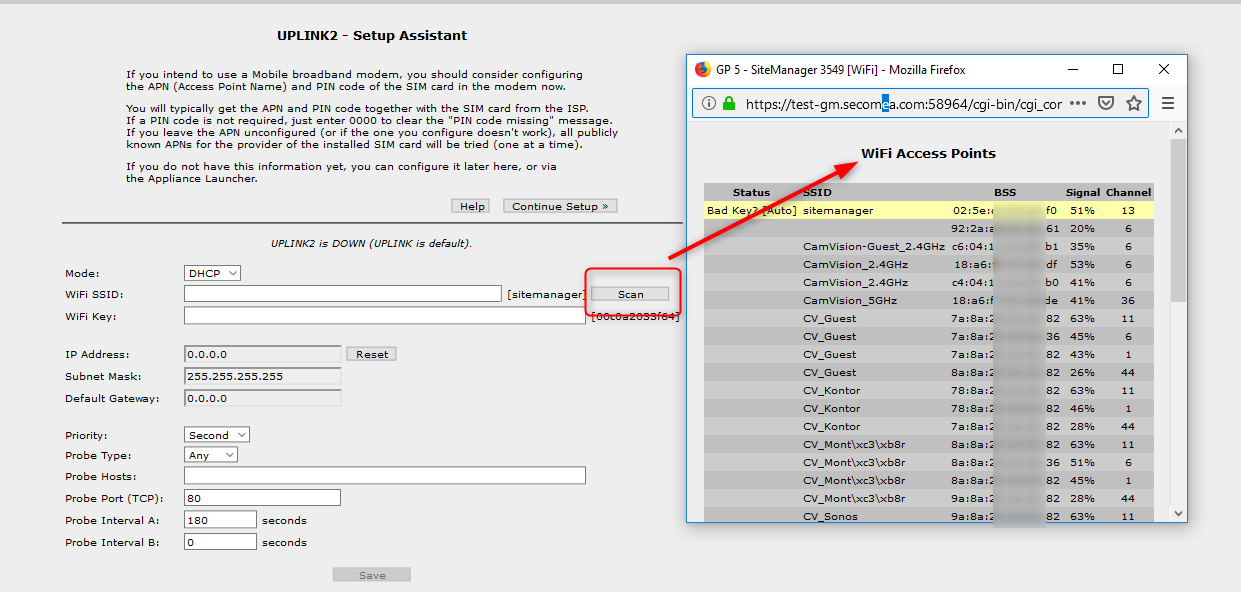
You can get your SiteManager on WiFi if it is an xx49 model with integrated WiFi or an xx29/xx39 model with a USB Adapter inserted. The goal here is to make SiteManager go into Client mode.
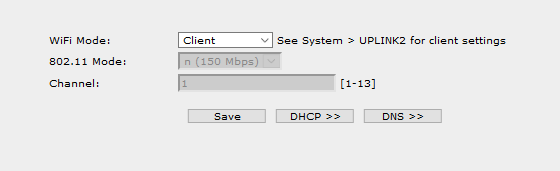
First step is to check that the DEV1 network is in "Client" mode:
Then you can go to the UPLINK tab and scan for WiFi networks and use the appropriate SSID and key: